
Creating a productive home office environment is essential for anyone working from home. Whether you are freelancing, running a business, or simply need a dedicated space to focus, the right setup can make all the difference. Below, we explore practical tips to help you design a workspace that supports your productivity and wellbeing.
Choose the Right Location
Find a Quiet Spot
Selecting a quiet area in your home free from distractions is the first step in creating a productive space. Avoid high-traffic zones like the kitchen or living room if possible. If space is limited, consider using noise-cancelling headphones to reduce interruptions.
Consider Natural Light
Position your desk near a window to make the most of natural light. This helps reduce eye strain and boosts mood and energy levels. If natural light is limited, invest in a quality desk lamp with adjustable brightness to recreate a bright and inviting atmosphere.
Invest in Comfortable Furniture
Select an Ergonomic Chair
Your chair should support good posture, with adjustable height and lumbar support. An ergonomic chair helps prevent back pain and fatigue, allowing you to focus on your tasks for longer periods.
Use a Suitable Desk
Choose a desk that fits your space and meets your work requirements. If you have the option, a sit-stand desk can be beneficial by allowing you to alternate between sitting and standing, reducing discomfort and improving circulation.
Organise Your Workspace Efficiently
Minimise Clutter
A tidy desk reduces visual distractions and helps your mind stay focused. Use storage solutions such as filing cabinets, shelves, or desk organisers to keep documents and supplies neatly arranged.
Keep Essentials Within Reach
Arrange your most-used items, such as pens, notebooks, and devices, so they are easily accessible. This prevents time loss and interruptions during your working hours.
Optimise Your Technology Setup
Reliable Internet Connection
A stable and fast internet connection is a must-have for smooth online meetings and uninterrupted work. Consider using a wired connection if Wi-Fi is unstable.
Quality Equipment
Invest in a good computer or laptop suited to your tasks, along with accessories like an external keyboard, mouse, and monitor if needed. These can greatly enhance comfort and productivity.
Cable Management
Use clips, sleeves, or cable boxes to organise wires and avoid a tangled mess that can lead to distractions or damage.
Personalise Your Space
Add Plants
Adding greenery can improve air quality and create a calming atmosphere. Small, easy-care plants such as succulents or spider plants are ideal for a desk environment.
Display Inspiring Items
Photos, artwork, or motivational quotes can boost your mood and creativity. Keep decorations minimal to avoid clutter but choose items that make your workspace inviting.
Establish Effective Work Habits
Set Clear Boundaries
Define your working hours and inform those around you to minimise interruptions. A dedicated space also helps mentally separate work from relaxation.
Take Regular Breaks
Following techniques like the Pomodoro method — working for focused intervals followed by short breaks — can help maintain concentration and reduce fatigue.
Maintain Good Lighting
Besides natural light, ensure your workspace is well lit during darker hours to avoid eye strain and maintain alertness.
Manage Noise and Distractions
Use Sound Management Tools
If external noise is unavoidable, consider white noise machines or apps that produce ambient sounds to help you concentrate.
Set Phone and Notification Controls
Limit non-essential distractions by disabling phone notifications or using “Do Not Disturb” mode during working periods.
Keep Healthy Habits in Mind
Stay Hydrated and Eat Well
Keep a bottle of water nearby and enjoy nutritious snacks to sustain energy levels throughout your workday.
Stretch and Move
Incorporate simple stretches or short walks to avoid stiffness and improve circulation.
—
Creating a home office that supports your productivity takes some planning and personalisation, but the benefits are well worth it. Experiment with these tips to find the setup that works best for you, and enjoy a more efficient and enjoyable working experience from home.
Related Posts

How to Create a Cosy and Inviting Reading Nook at Home
Creating a cosy and inviting reading nook at home is…
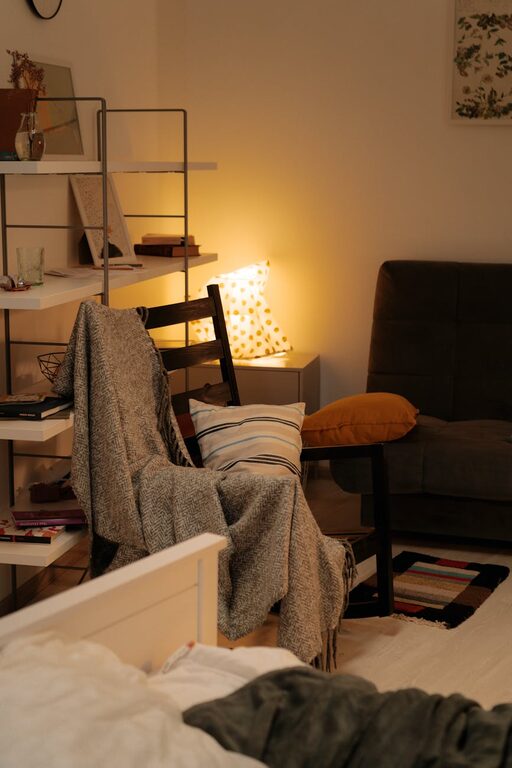
Tips for Creating a Cosy and Inviting Living Room on a Budget
Creating a living room that feels warm, comfortable, and welcoming…
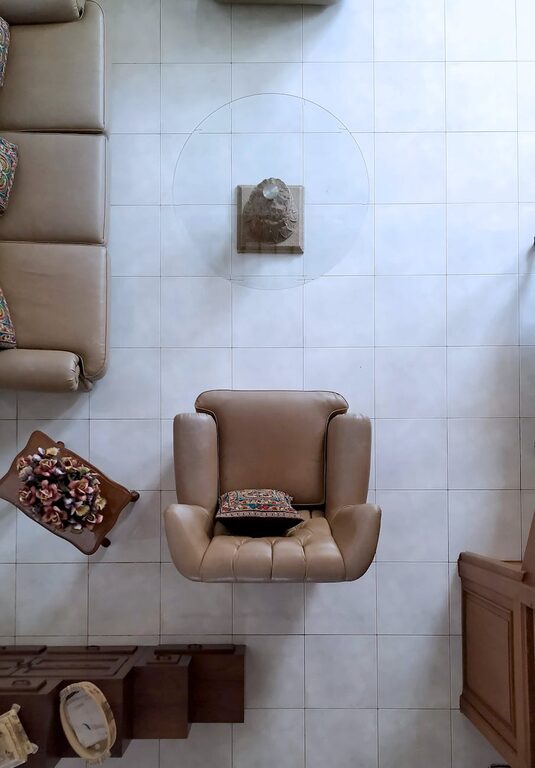
How to Create a Cosy and Inviting Living Room Space at Home
Creating a cosy and inviting living room is a wonderful…